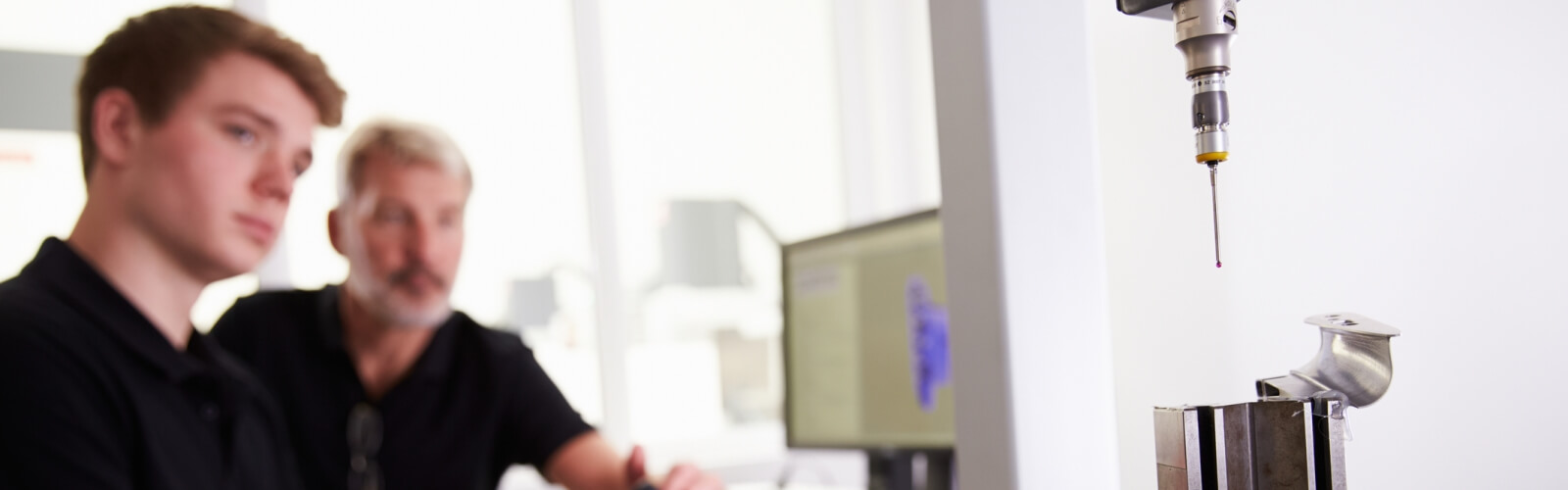
Page in Xref_not_found_error Our progressive 2 day CAD course modules start with training focused on your CAD work. Our approach can be an easier and faster route to a successful CAD implementation.
Remote one to one training
One to one remote training, which can be taken from a home base. Where trainer can see your screen and talk with you on the phone/zoom.
Remote training for groups - Some working from home?
In the current restrictions we provide remote training focused on your CAD work for up to 6 persons.
Once restrictions are lifted we can come to your premises with training laptops and software.
Module 1) Learn to drive your CAD software, with practice on your CAD work.
A substantial course company manual and laminated A4 quick reference guide, is included for each attendee.
* It can be easier to learn with flexible training, focused on your CAD work
* A summary of topics covered is provided. This will have page numbers that refer back to the training manual. To create a useful and relevant reference guide to your CAD work.
* In-house training can be a more effective
* Small In-House groups typically save costs against course fees for each person.
* Trainer can assist delegates with the setting up of templates for your printers or plotters. (Scaling, logos etc.)
* You wont have to waste time commuting through rush hour traffic to a training centre.
No waiting for course availability and no risk of a training centre course not running due to lack of attendance.
Training times 9.30 to 4.30 pm with an hour for lunch. Breaks morning and afternoon.
Progressive In-House CAD training modules, run by a certified trainer are also available These would be run on behalf of an Autocad training centre
Module 2) - Autocad Essentials course
Module 3) - Autocad Intermediate course
To discuss your training requirements with a trainer who has 6 years of CAD drafting, followed by 20 years of CAD training experience, call free phone 0800-1976281 or email [email protected]